Base MacBook Pro M4 16GB/512GB: is it enough for AI?
The 14-inch MacBook Pro M4 16GB/512GB for AI work: where it's enough, where it gets cramped, and when this model is fine versus when to step up.

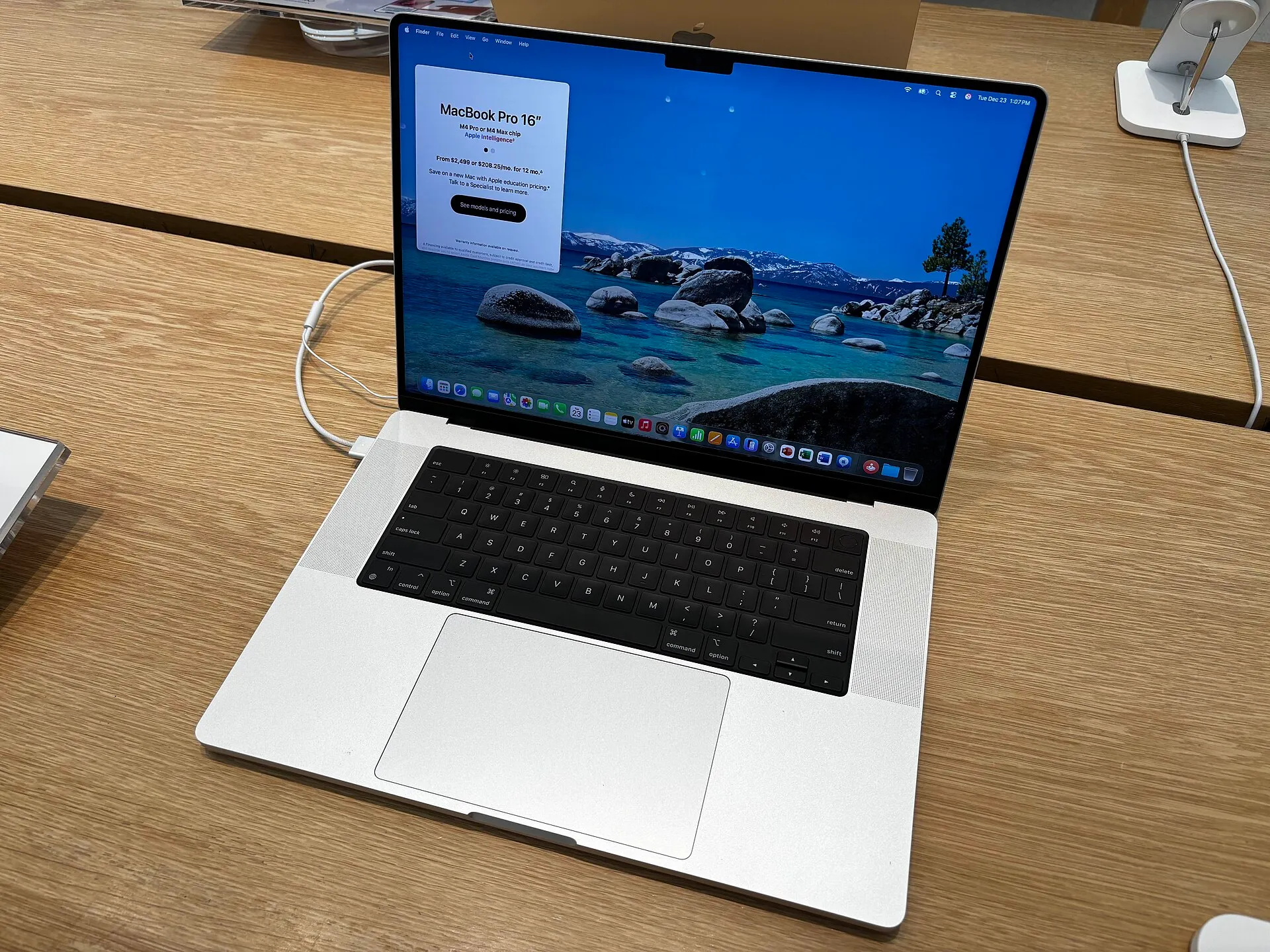
The question I get asked most about work laptops: “Can the base MacBook Pro M4 handle AI?” Short answer: it’s enough for most people who use AI every day. It’s only not enough if you want to run large AI models on the laptop itself. Here’s what you’ll actually notice, and what to do about it.
The machine
MacBook Pro 14-inch, M4 chip, 16GB RAM, 512GB storage, launched in October 2024. Apple quotes up to 24 hours of video streaming and 16 hours of wireless web browsing, based on its own tests.1 In other words, real numbers depend on how you use it. If you keep 50 tabs open, you know who you are.
Since October 2025, Apple has replaced this model with the 14-inch MacBook Pro with M5, at the same $1,599 starting price.2 The M4 model is now mostly bought used or as leftover stock, but everything below still applies to it.
Why it’s enough
- Most of the AI you use doesn’t run on your laptop. ChatGPT, Claude, Gemini and Copilot all run on the companies’ servers. Your laptop just needs to run the browser, apps and work tools smoothly. The M4 does that easily.
- It can still run small AI models locally. Want to try a small AI model offline, no internet, no fees? This machine can do it.
- Long battery, quiet machine. A full workday without the charger, cool and almost silent. This is what you’ll notice most every day, more than any number on the box.
- Good screen, speakers and keyboard. You can sit with it all day without getting tired. The tiredness comes from deadlines, not the laptop.
- The cheapest Pro at launch. US prices started at $1,599, with the M4 Pro model from $1,999.3 That $400 gap is about 20 months of a $20/month AI plan such as Claude Pro.4 Spending that money on AI subscriptions may be smarter than buying extra RAM you won’t use.
Where it gets cramped
- 16GB of RAM is like your desk. The bigger the desk, the more you can spread out at once. A dozen tabs, a few heavy apps and a local AI model, and the desk is full and the machine slows down. Large AI models barely run at all.
- Local AI won’t be fast. Memory bandwidth is 120GB/s on the M4 and 273GB/s on the M4 Pro, more than twice as much,15 so local AI usually answers faster on the M4 Pro. This one still works; you just wait a while for each answer.
- Don’t count on it for “teaching” AI. Apple’s MLX tools support LoRA fine-tuning of small models on a Mac,6 but with 16GB you have to pick small models and scale settings down to fit in RAM. For serious training, rent a GPU server.
- 512GB fills up fast. A popular 8B model on Ollama is already 4.9GB;7 add photos, videos and documents, and in a few months you’ll be cleaning up.
- What you buy is what you get. RAM and storage can’t be upgraded. No “buy small now, add more later”.
So what should you do
- You use AI through websites and apps to write, code and work: this model is enough. Don’t pay more just to feel safe.
- Once you buy it, get an external drive for big files, so you don’t run out of space.
- For heavy AI jobs, rent a server by the hour and shut it down when you’re done. If you only need it now and then, that’s usually cheaper than a top-spec machine sitting around. You rent a suit for a wedding; you don’t fill a wardrobe.
- You regularly run AI models on the laptop itself: go for the M4 Pro, whose base model already has 24GB of RAM.8 That’s when RAM money is well spent, so don’t skimp.
My take: buy for the work you do every day, not for “maybe someday”. That “someday” usually never comes, but the money leaves today.
Whatever you’re running AI on, if your experience is different, message me. When we’re free, let’s grab a coffee, and whoever bought the most RAM they never use pays.
Cover photo: AzureSaturn, Wikimedia Commons, CC0.
Nguồn tham khảo
-
Apple Support, “MacBook Pro (14-inch, M4, 2024) - Tech Specs”. ↩ ↩2
-
Apple Newsroom, “Apple unveils new 14-inch MacBook Pro powered by the M5 chip” (10/15/2025). ↩
-
Apple Newsroom, “New MacBook Pro features M4 family of chips and Apple Intelligence” (10/30/2024). ↩
-
Anthropic, “Claude pricing” (accessed 11/27/2026). ↩
-
Apple Newsroom, “Apple introduces M4 Pro and M4 Max” (10/30/2024). ↩
-
Apple ML Explore, “Fine-Tuning with LoRA or QLoRA”. ↩
-
Ollama, “llama3.1” (accessed 11/27/2026). ↩
-
Apple Support, “MacBook Pro (14-inch, M4 Pro or M4 Max, 2024) - Tech Specs”. ↩
Share
Feedback on this post
This is my personal experience and point of view, so there are surely gaps or things I got wrong. If so, I apologise in advance and would really appreciate you pointing them out. Feedback goes privately to my email and is never shown publicly.
Want to dig deeper? Let's grab a coffee and chat, online or in person.
Grab a coffeeThank you! I have received your feedback and will reply by email.
Your feedback was not sent: please check your name, email and message.